Explore
Wacom pen tablets


Redefining the professional standard in creative pen tablets.
Live. Dare. Create.
Learn more
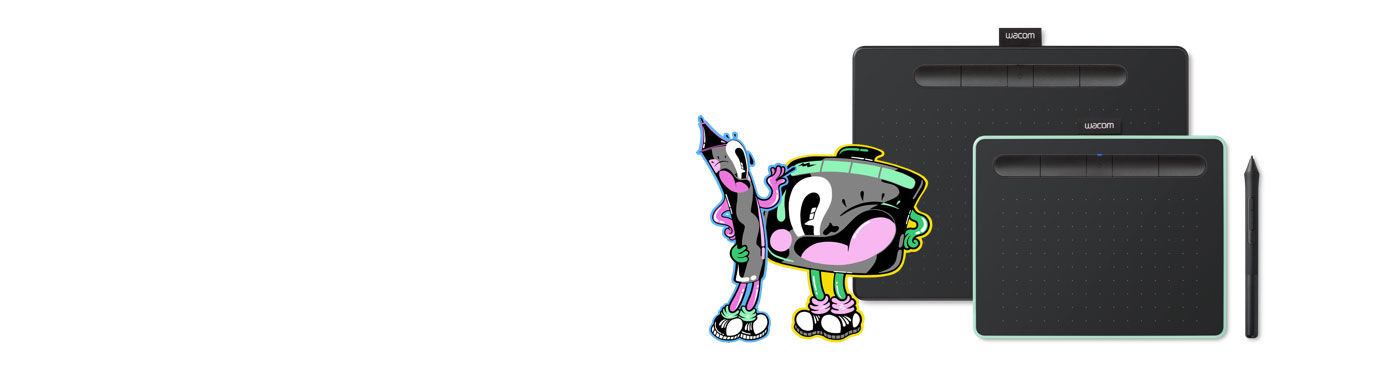

With a light, super-accurate pen and free downloadable software to suit your style, Wacom Intuos is built to bring your wildest ideas to life.
Live. Dare. Create.
Learn more
Meet the Wacom family of Intuos pen tablets
Wacom's line of creative pen tablets include a range of choices for your creative interests. The Intuos line up is a great place to start, especially for drawing, sketching and photo activities. The choices in Intuos Pro deliver the pressure-sensitivity, pen performance and productivity features most sought out by serious creative.
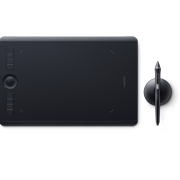
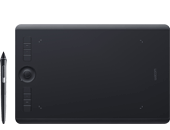
Wacom Intuos Pro
A professional pen tablet with multi-touch capabilities available in small, medium and large sizes
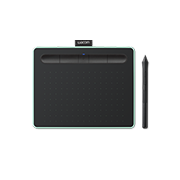
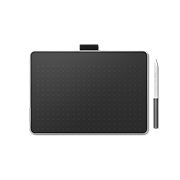
Wacom One
A pen tablet with a natural pen experience for creative beginners and visual thinkers.
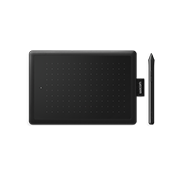
One by Wacom
A pen tablet with a simply natural pen experience. It couldn’t be easier.


- Discover
- Products
-
Enterprise
Wacom for Enterprise

Wacom Business Solutions
Improve efficiency and communication in your business.

Technology Solutions
Optimization and efficiency technologies for the world's leading businesses.

Wacom Ink Technologies
A universal inking engine and ink layer framework which connects hardware, software and applications.

Creative Education
Solutions to help educators and students create, communicate and maximize the learning experience.

Creative Enterprise
Helping artists and designers push creative boundaries and drive business success.
-
Education

Wacom & Education
Supporting teachers and students to adapt to new learning environments.

Wacom Education discount
Save up to 10% as student or teacher on selected Wacom products
- Support
- Store